Learn More
DUC Profile Creator and CCE Information
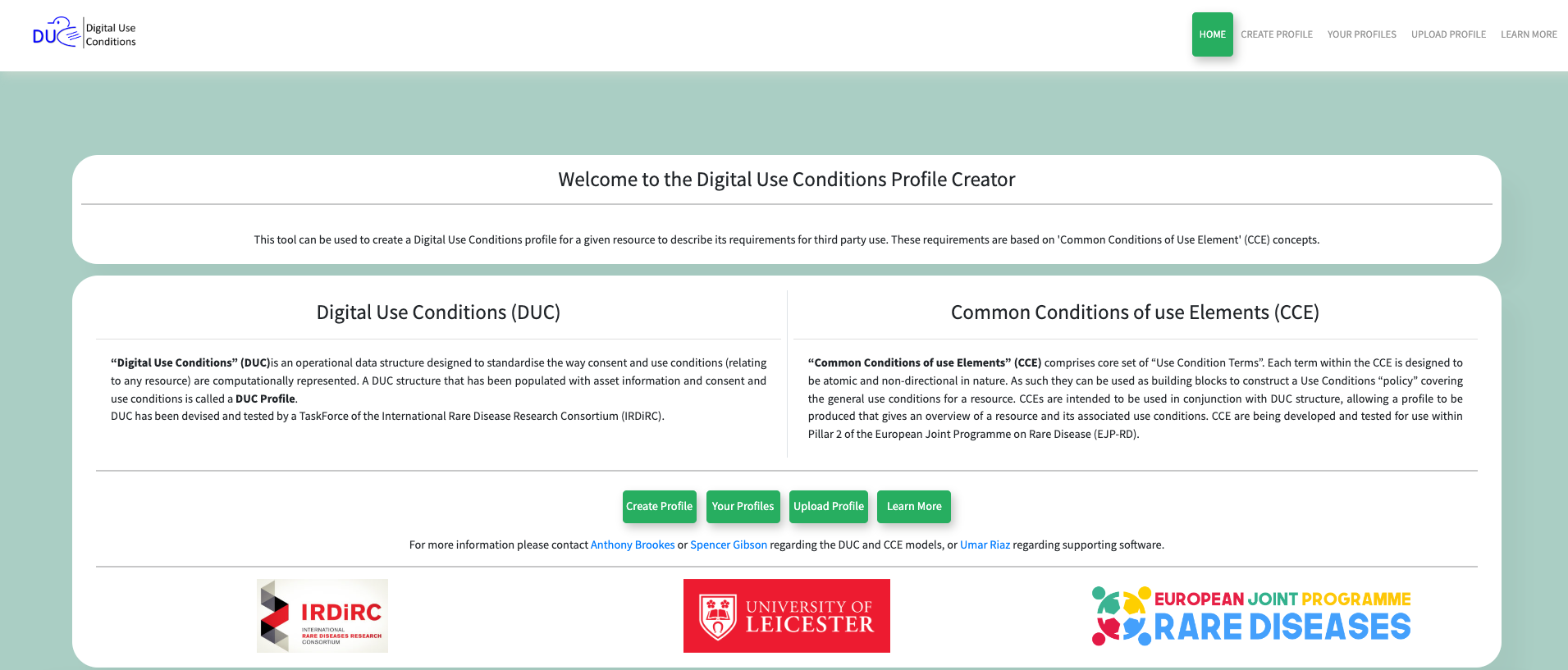
Guidance on creating, saving, reopening, and reviewing structured DUC profiles.The DUC profile creator is an easy to use tool to create a profile of use condition statements for a given resource. The process is based upon a series of 'Common Conditions of Use Element' (CCE) concepts, and an online form that gathers this information into a 'Profile'. These profiles can be updated at any time, and you decide what to include or not include in your resource profile. As a user, you can choose to leave a copy on the website or download the profile to your own computer. Whether saved on the site or downloaded, profiles can be reopened/uploaded for further editing later.
FAQs
Common questions about the DUC profiler workflow and saved profiles.No, the user email is just used for storing the profile in the tool itself.
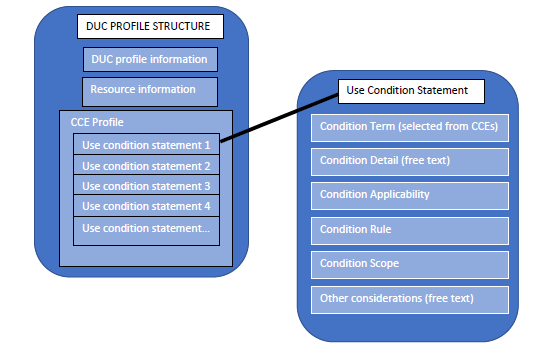
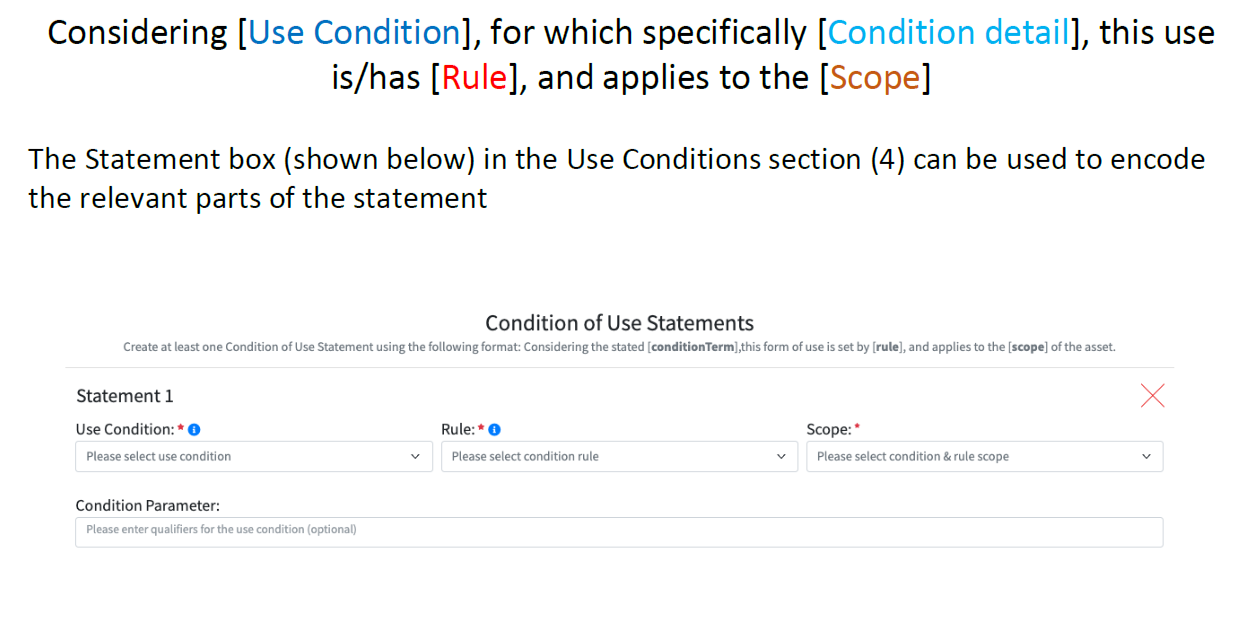
A Use Condition Statement consists of: [Use Condition], for which specifically [Condition detail], this use is/has [Rule], and applies to the [Scope].
No, it is not necessary to use all of the 19 Use Conditions, just those relevant to the resource can be selected.
Yes, a Use Condition can be used more than once as deemed appropriate.
After entering your profile information, you will be given the option to save and/or download your profile.
Navigate to the Your Profile section and follow the on screen instructions.
Yes, click on Upload Profile in menu bar and follow the on screen instructions.
The user is emailed a temporary access link, only those with the link can view the profile.
The profile will only be used to help people who are undertaking discovery queries to find resources of interest, so prioritise entering policy items that might be useful for this purpose.